
Good controller settings are personal, but a repeatable tuning process is better than copying someone else’s numbers. Start with defaults, solve drift first, then adjust camera feel and button placement.
Dead zone
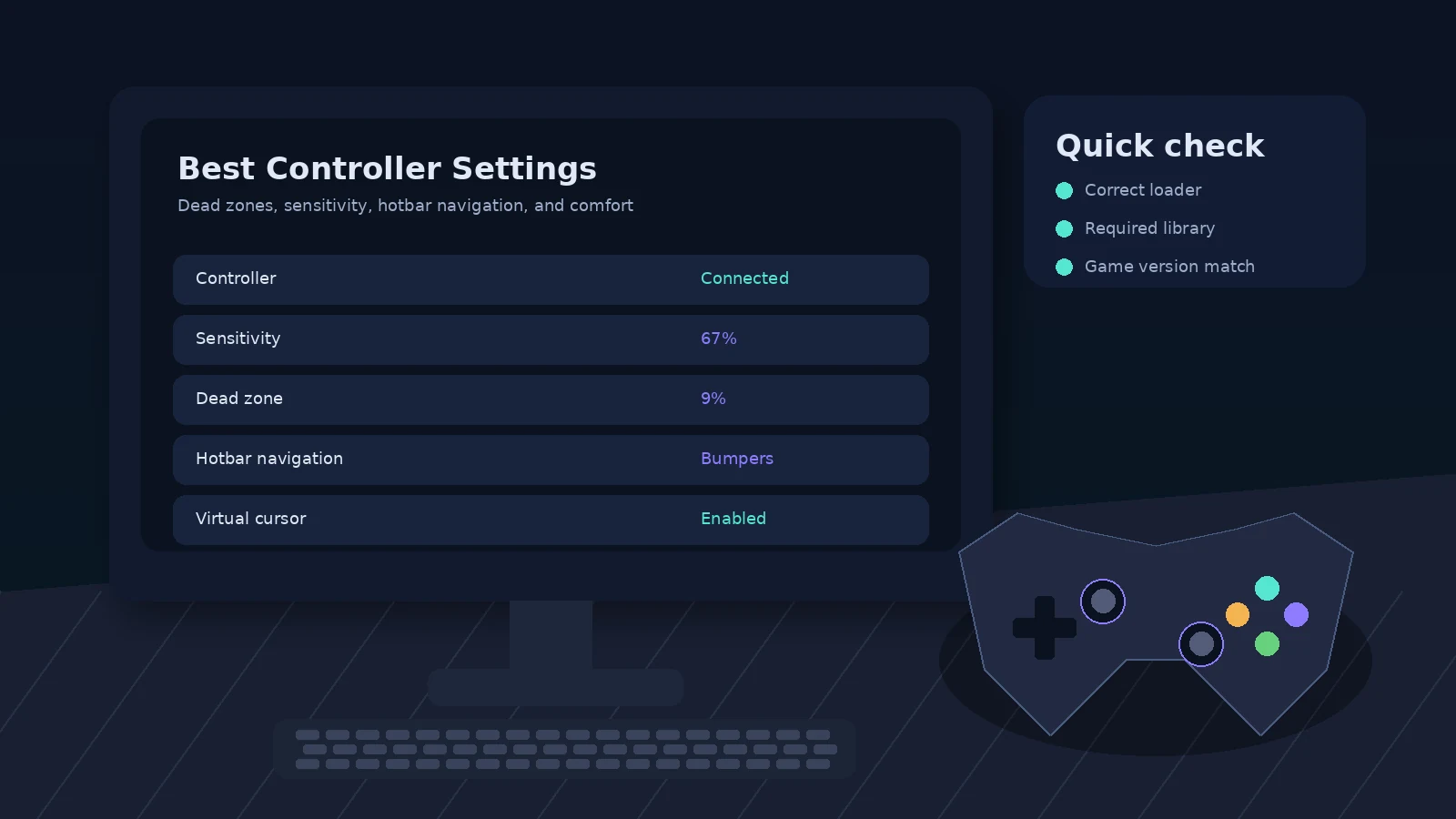
Raise the stick dead zone only until unwanted movement stops. If you use a new controller with no drift, a lower value can preserve finer input. Older controllers may need more tolerance.
Look sensitivity
Use a value that lets you turn quickly without overshooting targets. Test both normal exploration and close interaction with blocks. A setting that feels fast in an open field can feel twitchy in inventories or building sessions.
Button mapping
Keep frequent actions on easy-to-reach buttons. Jump, use, attack, inventory, sneak, sprint, and hotbar navigation deserve priority. Less common actions can live on combinations or secondary buttons if the mod supports them.
Comfort over imitation
You do not need to copy console-edition layouts exactly. If you have strong muscle memory from another game, map controls to reduce mistakes and hand strain.
Quick checklist
- Match Minecraft version and loader.
- Use official MidnightControls release pages.
- Install the dependencies listed for the exact file.
- Back up the instance before major changes.
- Test controller detection in a clean profile when troubleshooting.