
◎
Purpose
Make Minecraft Java Edition easier to play with a controller while adding practical control enhancements that reduce reliance on keyboard and mouse during normal gameplay.
Midnight Controls Mod adds controller support and enhanced controls to Minecraft Java Edition. This independent guide helps you choose the right Fabric or NeoForge build, install dependencies, tune bindings, and solve common controller issues.
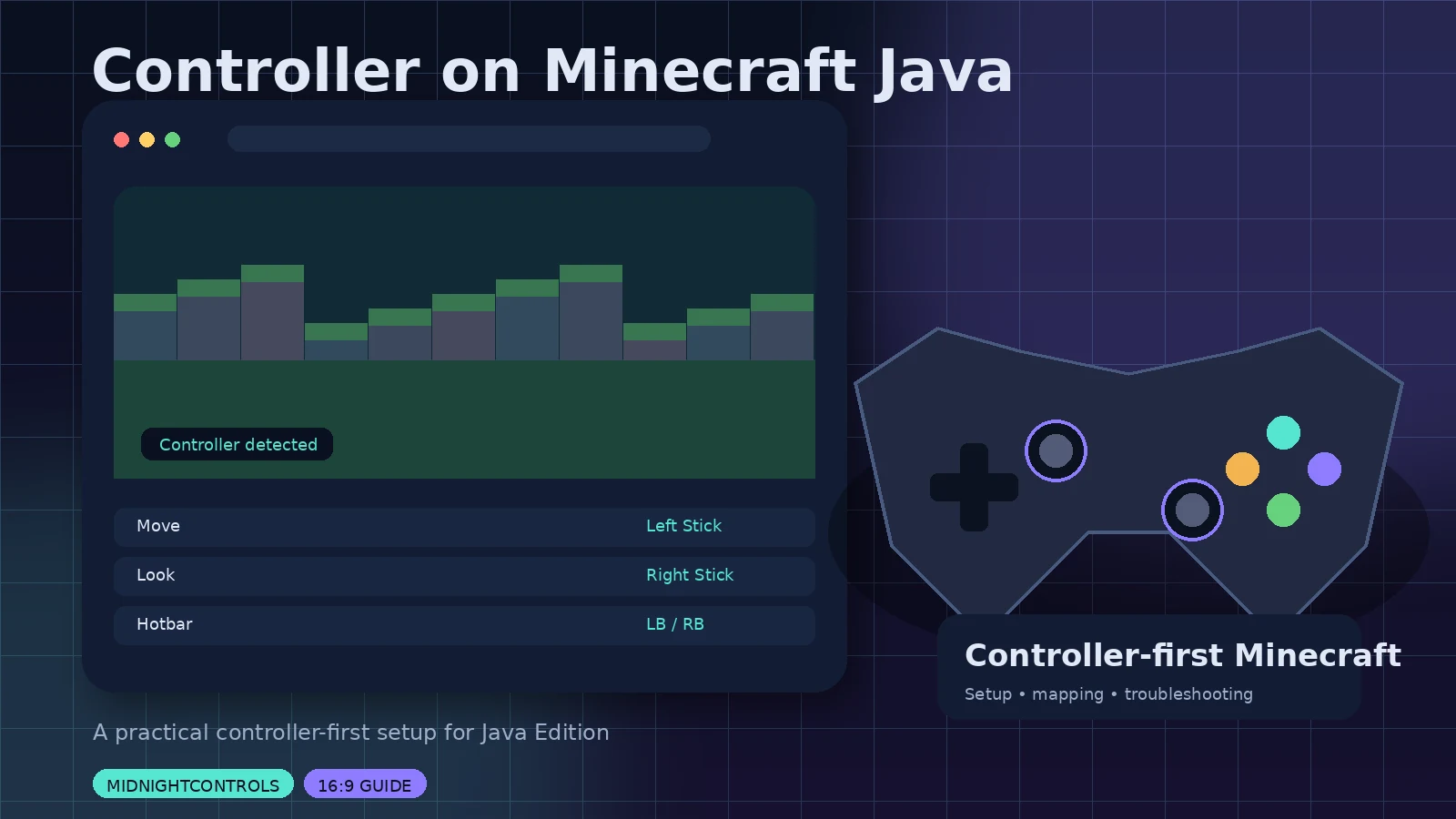
MidnightControls is a Minecraft Java mod focused on controller support and improved input behavior. The project is a continuation of ideas from the discontinued LambdaControls project and is maintained as a modern option for players who want Java Edition to feel more natural on a gamepad.
Make Minecraft Java Edition easier to play with a controller while adding practical control enhancements that reduce reliance on keyboard and mouse during normal gameplay.
Players who prefer couch play, handheld-style controls, accessibility-oriented input choices, or a consistent controller workflow across modded Minecraft profiles.
Its strongest value is convenience: controller input is integrated into the Java Edition experience rather than approximated only through external keyboard-mapping software.
Use analog sticks and familiar gamepad buttons for movement, camera control, menus, and common in-game actions.
Navigate inventories and menus with controller-friendly focus behavior instead of reaching for the mouse every few seconds.
Tune look sensitivity, stick behavior, and dead zones to match your controller and play style.
Choose a supported loader build that matches your Minecraft release and keep each modded profile cleanly separated.
Switch between controller and keyboard/mouse when needed, useful for chat, commands, creative tools, and complex mod menus.
Adjust bindings when your controller layout or personal preference does not match the default mapping.
Use bumper-style navigation and controller shortcuts to reduce friction during survival and exploration.
Install in a dedicated launcher instance so dependencies, versions, and troubleshooting stay easier to manage.
Controller support is paired with broader input improvements designed to make Java Edition feel more comfortable from a gamepad.
As checked September 28, 2026, official listings show MidnightControls 1.12.1 for newer Minecraft 26.2 builds. For Minecraft Java 1.21.11, the listed release is MidnightControls 1.12.0 for Fabric and NeoForge.
Security verification: this site does not mirror binaries. Verify the exact file and checksum on the official source you choose.
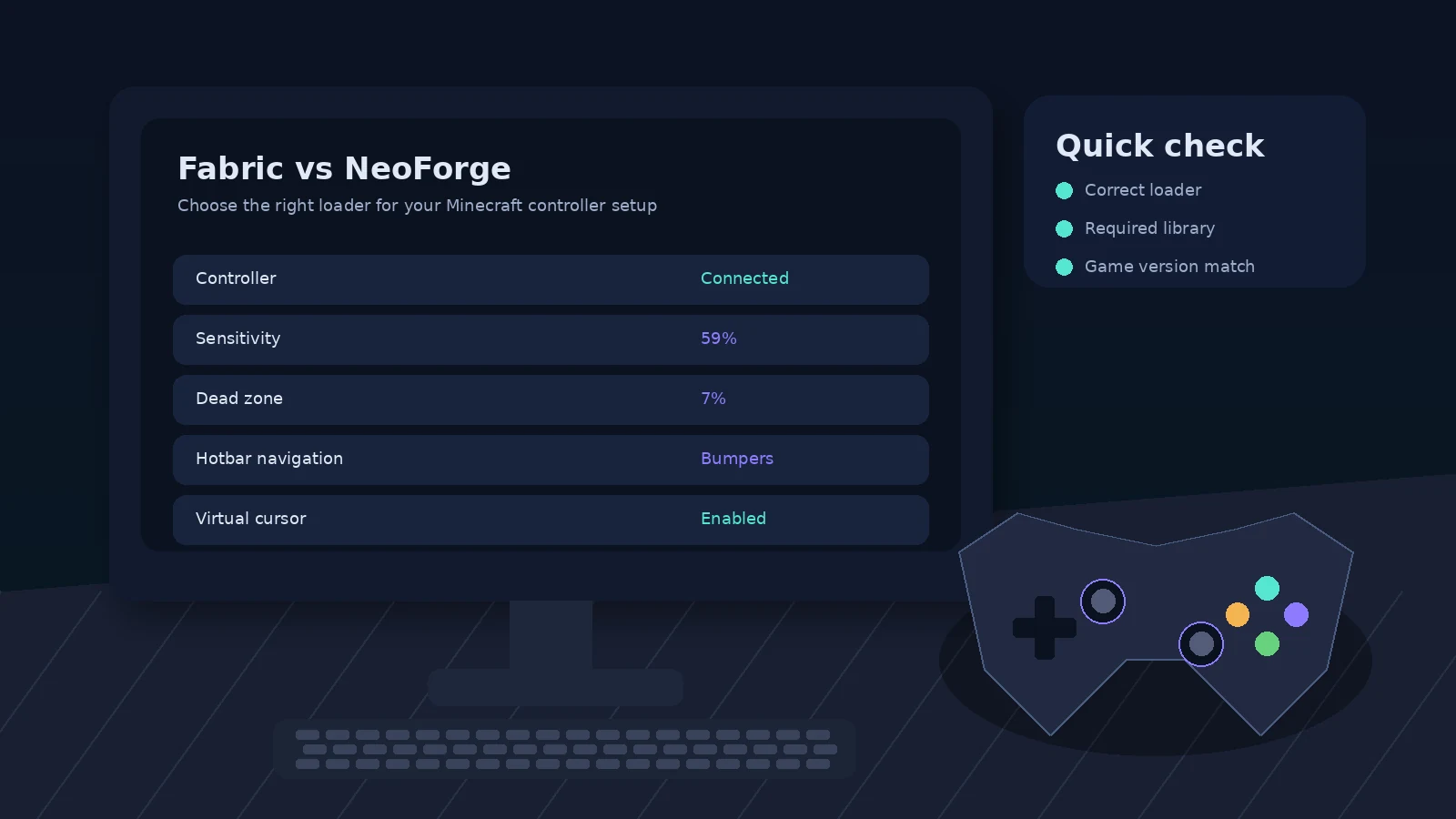
Confirm your exact Minecraft Java version and whether the instance uses Fabric, Quilt, or NeoForge. Do not mix loader-specific mod files.
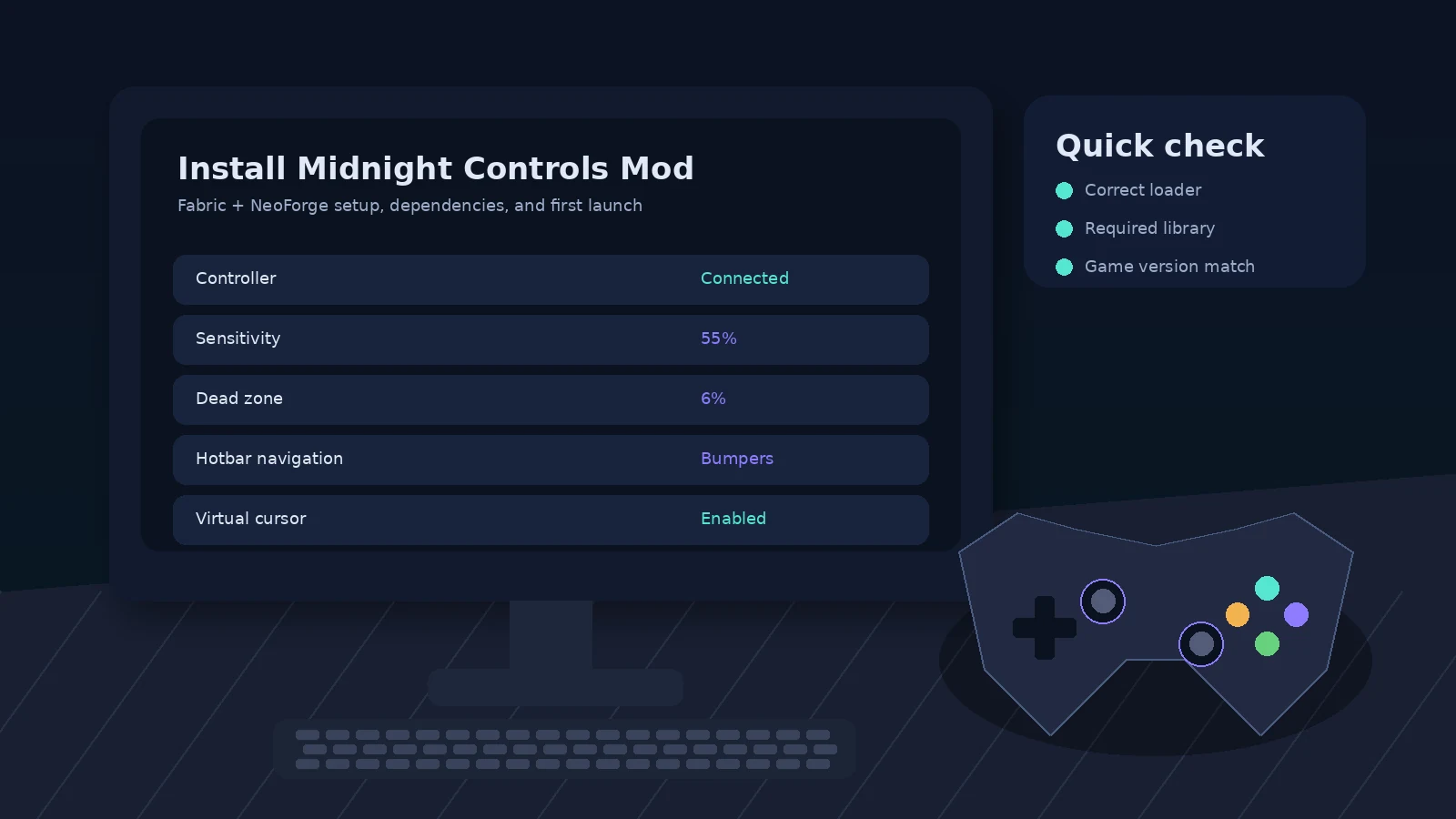
Download MidnightControls from Modrinth or CurseForge. For Fabric builds, check whether Fabric API and MidnightLib are required for that file.
Open the game directory for that launcher profile and add the compatible JAR files to mods. Keep unrelated old versions out of the folder.
Start Minecraft using the same loader profile, confirm the controller is recognized, then tune sensitivity, dead zone, button mappings, and menu behavior.
The same core process applies across desktop operating systems. The main difference is where your launcher stores the Minecraft instance. Use the launcher’s “open folder” action whenever possible rather than guessing paths.
Standard mobile Minecraft editions do not use the Java mod-loader workflow described here. Mobile launchers and compatibility layers are unofficial paths and can differ substantially, so follow their own documentation if you experiment.
Connect the controller before launching, open the control settings, test movement and camera input, then confirm inventory and hotbar navigation. Change one setting at a time so it is easy to identify what improves or harms the feel.
Fine-tune dead zones, sensitivity, virtual cursor behavior, and button remapping. Players using large modpacks should also check whether another mod adds competing controller or menu navigation hooks.
Keep controller mappings documented, use separate profiles for different Minecraft versions, test updates on a copied instance, and keep keyboard access available for chat, commands, and mod configuration screens.
Your operating system exposes the connected gamepad and MidnightControls reads supported input through the modded client environment.
Stick, trigger, button, and directional inputs are mapped to movement, camera, menus, hotbar actions, and other gameplay controls.
The active screen matters: the same device may control the player in-world and switch to cursor or focus navigation inside inventories and menus.
| Area | Support | Notes |
|---|---|---|
| Windows | Supported desktop path | Minecraft Java + compatible loader |
| macOS | Supported desktop path | Controller driver behavior varies by device |
| Linux | Supported desktop path | Desktop Java workflow; test OS controller detection first |
| Browsers | Not applicable | The mod runs in Minecraft, not a browser |
| Fabric / Quilt | Listed | Use the file built for your Minecraft version |
| NeoForge | Listed | NeoForge builds are available on current listings |
| Forge | Check version history | Do not assume a Forge file exists for your target release |
| Android / iOS | Not standard | Standard mobile editions are not the normal Java mod-loader target |
Couch play, recording sessions, relaxed exploration, and consistent controller muscle memory across games.
Accessibility experiments, input-device studies, modding education, or a more ergonomic setup during long sandbox sessions.
Testing modpack compatibility, evaluating controller UX, and maintaining dedicated profiles across loader ecosystems.
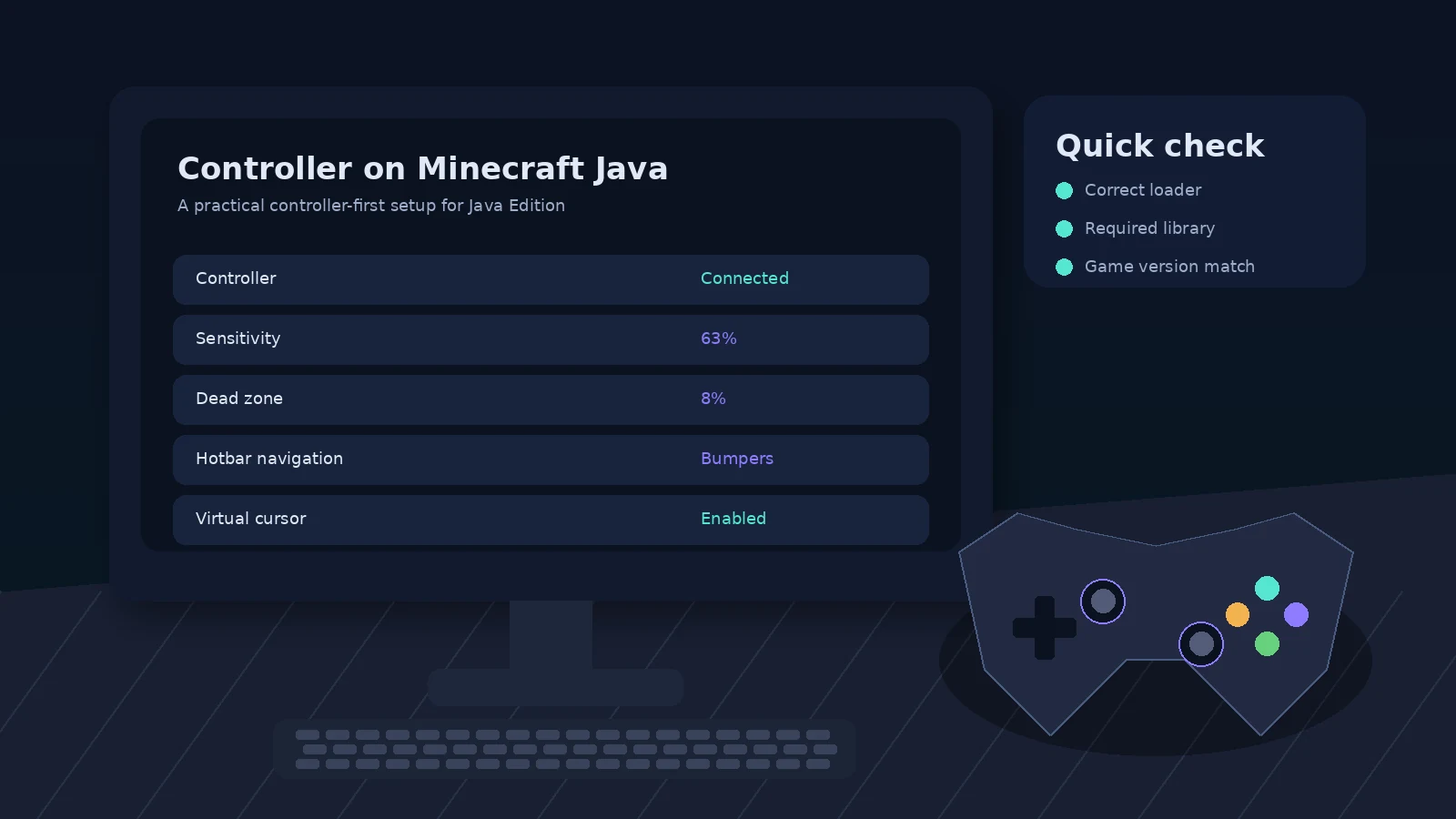
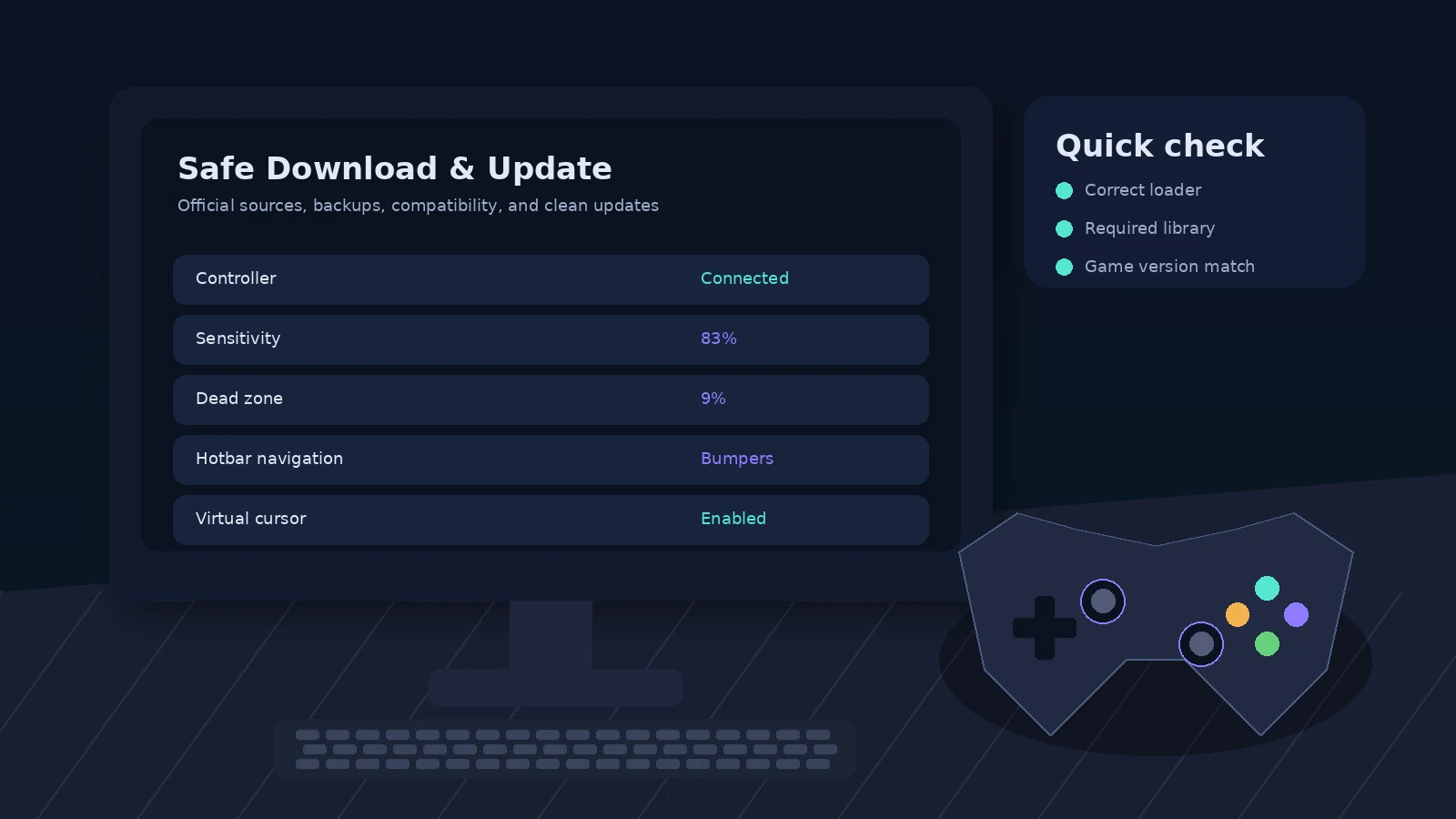
Verify the device in the operating system, reconnect it before game launch, try wired mode, and test a clean Minecraft profile with only required mods.
Check Minecraft version, loader, MidnightControls build, and dependencies. Then read the crash report for the first mod or library named near the exception.
Disable external controller remappers temporarily and remove overlapping controller mods. Then reset or remap bindings inside the mod settings.
This static guide does not need controller permissions or access to your Minecraft account. MidnightControls runs in your Minecraft client; review the official project source and dependencies for technical details. A downloadable mod can only be as trustworthy as the source and build you choose.
| Option | Price | License | OS | Approach | Pros | Cons |
|---|---|---|---|---|---|---|
| MidnightControls | Free | MIT | Desktop Java | Native mod | Integrated controls, current loader options | Requires mod compatibility |
| Other controller mods | Usually free | Varies | Desktop Java | Native mod | Different UX or version coverage | Support varies by release |
| External input mapper | Free / paid | Varies | OS dependent | Maps pad to keyboard/mouse | Works outside Minecraft too | Less context-aware menu support |
| Keyboard & mouse | Hardware only | — | Desktop | Native input | Fast pointer and key access | Not controller-first |
These are editorial persona summaries, not fabricated customer testimonials or “verified purchase” claims.
Values analog movement and wants to play from a controller without constantly returning to keyboard and mouse.
Editorial personaCares most about loader compatibility, required libraries, and whether input conflicts appear in a large profile.
Editorial personaPrioritizes remappable controls, reduced hand switching, and sensitivity options that can make long sessions easier.
Editorial personaWants predictable controller input for recordings and a clean way to reproduce mappings across multiple instances.
Editorial personaLooks at open-source licensing, issue reports, release maintenance, and how the mod integrates with input systems.
Editorial personaNeeds a clear install path that explains loaders and dependencies without sending them through untrusted download sites.
Editorial personaUse the official MidnightControls pages on Modrinth or CurseForge. This site is an independent guide and does not re-host mod JAR files. Official project pages make it easier to confirm the loader, Minecraft version, dependencies, changelog, and file provenance before installation.
Yes. The official project listings include MidnightControls 1.12.0 builds for Minecraft Java 1.21.11 on Fabric and NeoForge. Match the mod file to your exact Minecraft version and loader, and check required dependencies before launching the game.
Yes. Fabric is a supported platform. Install the Fabric Loader version that matches your Minecraft release, add Fabric API when required, and place MidnightControls plus its required libraries in the mods folder. Avoid mixing Fabric and NeoForge files in the same profile.
Yes. Current project listings include NeoForge builds, including a 1.21.11 release. Use a dedicated NeoForge profile and choose the MidnightControls file built for that exact game version. If a dependency is listed on the official file page, install the matching dependency as well.
Yes, when you are running Minecraft Java Edition with a supported loader. The mod installation pattern is similar across desktop operating systems: install the loader, open the game directory, place compatible mod files in the mods folder, then start the correct profile.
MidnightControls targets Minecraft Java Edition mod-loader environments, not the standard Android or iOS editions of Minecraft. Mobile launchers and unofficial compatibility layers can behave differently and are outside the normal support path. Use the project’s official compatibility notes before experimenting with unsupported setups.
The project is open source and distributed under the MIT License, but safety also depends on where you obtain the file. Download from the official Modrinth or CurseForge project pages, verify the project name and loader, keep backups, and avoid third-party executables or repackaged installers claiming to be required.
No normal Java mod installation should require a random third-party Windows executable. The expected workflow uses the Minecraft launcher, a supported mod loader, and JAR files placed in the mods folder. Treat unrelated installers, download managers, or password-protected archives as warning signs.
The official project pages identify MidnightControls as MIT licensed. That is a permissive open-source license, but users should still follow the project’s license text and attribution requirements when redistributing or incorporating code. This guide is independent and is not the project owner.
Back up your instance, note the current loader and Minecraft version, then replace only the mod files that are compatible with the target version. Read the changelog and dependency requirements first. Keeping separate launcher profiles for major Minecraft versions makes rollback easier if a new combination causes conflicts.
First confirm the controller works at the operating-system level. Then restart Minecraft with the controller connected, check MidnightControls settings, remove conflicting controller mods, and test a clean profile with only the required dependencies. Bluetooth issues can also be ruled out by testing a wired connection.
Controller layouts can differ by device, driver, and operating system. Open the mod’s control settings and remap the affected actions manually. If a platform translation layer is active, such as a gamepad remapper, test without it to avoid double mapping or swapped button labels.
Increase the dead-zone value gradually until unwanted movement stops, then retest normal aiming. Avoid setting the dead zone higher than necessary because that can make fine control feel sluggish. Hardware drift can also worsen over time, so compare with another controller if available.
Crashes are commonly caused by version mismatches, missing dependencies, loader conflicts, or another mod interacting badly with the same input systems. Read the latest.log and crash report, compare every installed mod against your Minecraft version, and test a minimal profile before reintroducing additional mods.
Controller support for Minecraft Java can come from other controller-focused mods or external input mapping tools. Compatibility varies by Minecraft version and loader. Compare native menu navigation, analog movement, hotbar controls, maintenance activity, and required libraries rather than choosing only by download count.
It is a preference and use-case question rather than a universal upgrade. A controller can be more comfortable for couch play and analog movement, while keyboard and mouse offer more direct key access and fast pointer control. MidnightControls is most useful when you specifically want controller-first Java Edition gameplay.
Check when you update Minecraft, your mod loader, or a dependency, and when you encounter a bug already addressed in release notes. You do not need to replace a stable setup simply because a newer file exists for another Minecraft version. Compatibility should come before recency.
As checked on September 28, 2026, official listings show MidnightControls 1.12.1 for newer Minecraft 26.2 builds. For Minecraft Java 1.21.11, the listed release is MidnightControls 1.12.0. Always confirm the current official file page because releases can change after this guide is published.
Fabric + NeoForge setup, dependencies, and first launch
Choose the right loader for your Minecraft controller setup
A practical controller-first setup for Java Edition
Dead zones, sensitivity, hotbar navigation, and comfort
Connection checks, mappings, conflicts, and quick fixes
Version-specific setup for Minecraft Java 1.21.11
MidnightControls and alternative controller workflows
Official sources, backups, compatibility, and clean updates
Midnight Controls Mod
600 Congress Ave
Austin, TX 78701, USA