
Fabric and NeoForge are different mod-loader ecosystems, so the correct choice is the one that matches your existing profile and modpack. MidnightControls has current files for both in supported releases, but you should never place a Fabric build into a NeoForge instance or vice versa.
Fabric workflow
Fabric is popular for lightweight mod stacks and quick version updates. A Fabric MidnightControls file can require supporting libraries such as Fabric API and MidnightLib. Confirm each dependency against the exact file page rather than assuming every release has identical requirements.
NeoForge workflow
NeoForge is another modern loader path and current MidnightControls listings include NeoForge builds. If your modpack already uses NeoForge, stay inside that ecosystem so other installed mods remain compatible.
How to choose
If you already have a modpack, the loader decision is effectively made for you. If you are building a new controller-focused profile, compare the other mods you need first. The availability of performance mods, UI mods, and content mods often matters more than the controller mod by itself.
Do not “convert” a profile by swapping one loader file
Moving from Fabric to NeoForge usually means rebuilding the whole mod list with loader-compatible versions. Back up saves, export your mod list, and test the new instance before opening important worlds.
Quick checklist
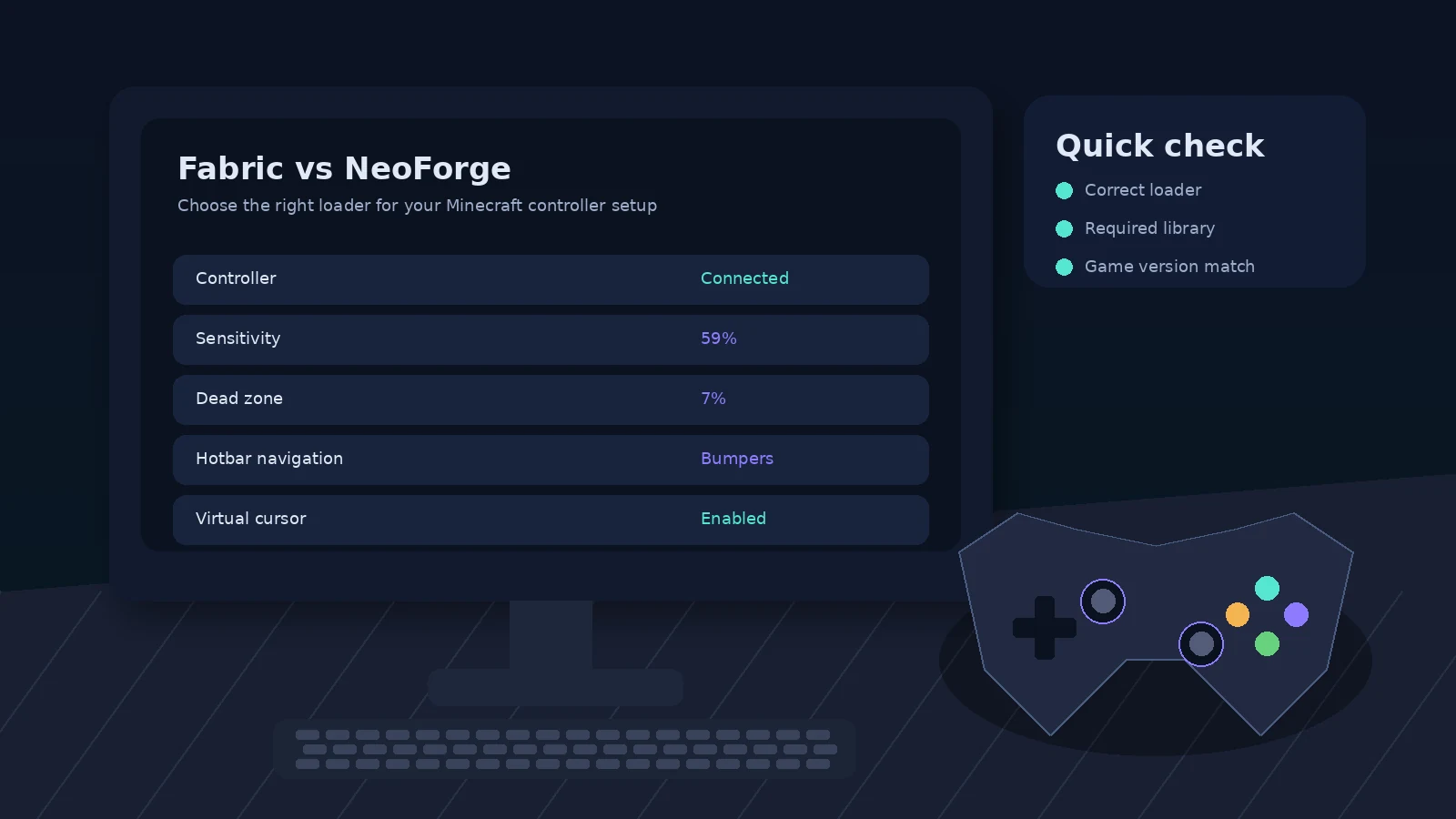
- Match Minecraft version and loader.
- Use official MidnightControls release pages.
- Install the dependencies listed for the exact file.
- Back up the instance before major changes.
- Test controller detection in a clean profile when troubleshooting.