
Controller support can be implemented in several ways. MidnightControls is a native Minecraft mod, while alternatives can include other controller mods or external mapping utilities. Compare them by the experience you need rather than by a single headline feature.
Native controller mods
A native mod can react to Minecraft menus and game state, which is useful for inventories, virtual cursors, and analog movement. The tradeoff is version and loader compatibility.
External input mappers
These tools translate controller input into keyboard and mouse commands at the operating-system level. They can work even when a specific Minecraft mod is unavailable, but menu navigation may feel less natural.
What to compare
Check supported Minecraft versions, Fabric/NeoForge availability, menu navigation, analog movement, dead-zone controls, remapping, maintenance activity, issue tracking, and license.
Use a clean test profile
Try alternatives in separate launcher instances. That prevents config files and overlapping input mods from confusing your comparison.
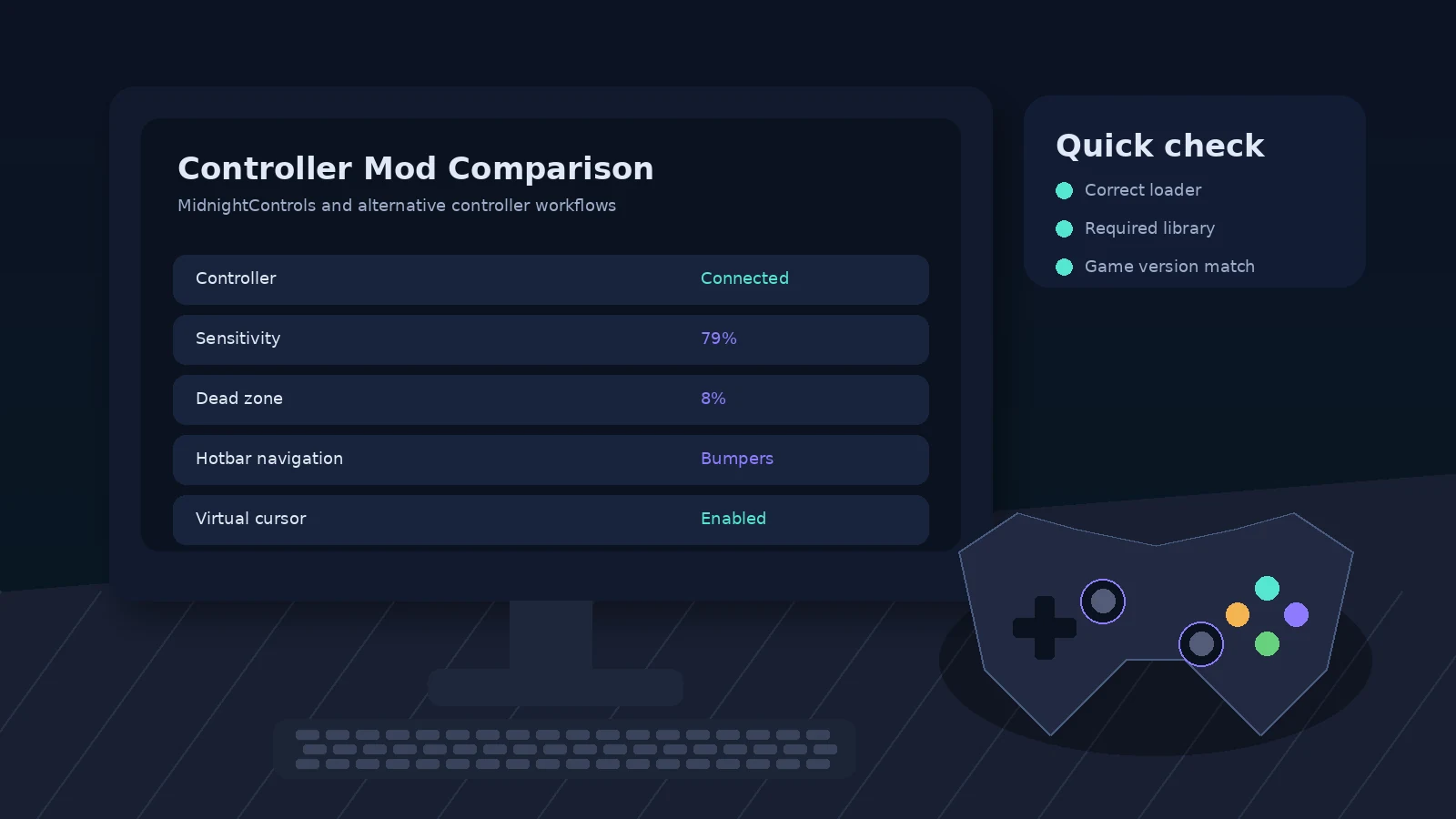
Quick checklist
- Match Minecraft version and loader.
- Use official MidnightControls release pages.
- Install the dependencies listed for the exact file.
- Back up the instance before major changes.
- Test controller detection in a clean profile when troubleshooting.